Blineco / Window covering control

Control your blinds and curtains your way

Start with a compatible rechargeable Blineco motor. Use a handheld or wireless wall-mounted remote, or add app and voice control through Matter over Thread or Infinite Automation.

The motor and control equipment are selected for each blind or curtain. Bline confirms compatibility before installation.

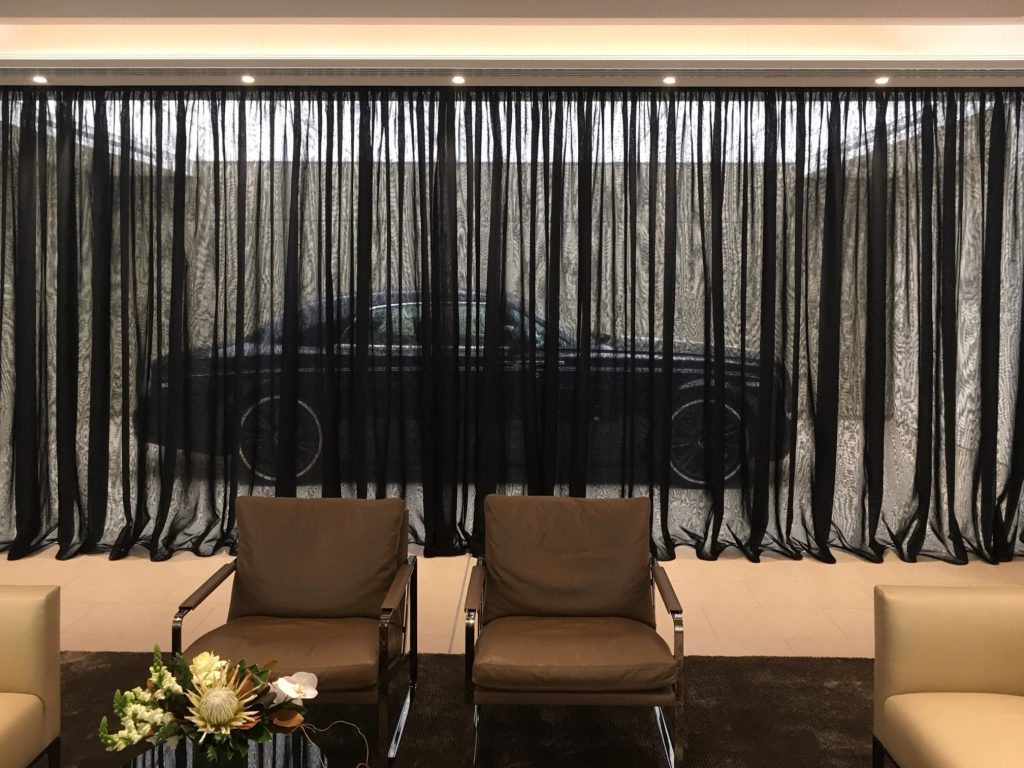
Full-height curtains beside a window
Choose how you want to operate each window covering.
Start with the way you want to control the covering

Three clear choices

Each option begins with a suitable motor. You can start with a remote and discuss connected control when you are ready.

01 / Simple control

Handheld or wall-mounted remote

Open, close and stop a compatible motorised blind or curtain with a paired handheld or wireless wall-mounted RF remote. No home hub is needed for this option.

  • Physical control at home
  • No app or voice control
  • Remote and motor are chosen separately
Explore motors and remotes →
02 / Your chosen home app

Matter over Thread

Add one Blineco Matter module to each supported motor. Connect the modules to a compatible Matter controller and Thread border router. One device may provide both hub functions.

  • Control in a supported home app
  • Open, close, stop and percentage position, where supported
  • Use your own suitable hub or ask Bline to supply one
See what Matter needs →
03 / Infinite Automation app

Infinite Automation

The Infinite Blinds Controller adds RF app control to compatible motors. It does not need a Matter module on each blind.

  • Open, close and stop compatible coverings
  • Separate Infinite equipment is needed for lighting or climate control
  • Motor and controller compatibility is checked first
See the Infinite option →

A handheld or wireless wall-mounted RF remote can remain available with either connected option. App and voice features depend on the chosen platform, motor and setup; Bline checks these before confirming the system.

Make everyday easier

Example routines

Plan the actions you want first. We then match the devices and controls needed to achieve them.

Illustrative routines, available after compatible equipment has been installed and programmed. Functions vary by platform and device.

Open the bedroom curtains.
Raise the living room blinds.
Set a gentle light level.

Use a schedule, an app scene or a supported voice command.

If you choose Matter

How Matter connects

Matter is the common control language. Thread is a low-power wireless network. Your home needs a Matter controller and a Thread border router for the Thread devices; one hub may provide both roles.

01 / At the windowCompatible Blineco motor

A suitable motor drives the blind or curtain.

02 / Add connectivityMatter module

A Blineco CSCM-MT module connects each supported motor to Thread.

03 / On your networkBorder router + controller

Connect Thread to your home network and manage the Matter devices.

04 / In your handsApp, screen & voice

Use your chosen platform after pairing, naming, grouping and testing.

Each supported Blineco motor needs its own Matter module. Other products, such as compatible lights, need their own connection to your chosen home platform. Bline checks the exact product and setup before quoting the complete system.

Local device control can continue without cloud routing. Remote access, voice services and some routines may require internet access and platform accounts. Coverage is assessed; battery motors should not be assumed to extend the mesh.

Beyond the window

Add lights and climate control

Start with your blinds or curtains. Lights and air conditioning need their own compatible controls, selected for the system you choose.

What you want to controlMatter over Thread routeInfinite Automation route
Blinds and curtainsOne Matter module on each supported Blineco motor, plus a compatible Matter controller and Thread border router.Infinite Blinds Controller for compatible motors. No Matter module on each blind.
LightsCompatible Matter lights or an assessed bridge or control module for existing circuits.Suitable Infinite switches, dimmers or relays, specified for each circuit.
Air conditioningA compatible AC interface or controller assessed for the exact system.A compatible Infinite HVAC interface assessed for the exact system.

Lighting and climate equipment without published prices is price on application. Wired work must be completed by a qualified electrician. We check the exact models, circuits and supported functions before quoting.

Matter over Thread

Use a home app you already know

A compatible Blineco motor needs one Matter module per covering. Your home also needs a Matter controller and Thread border router. The app belongs to the chosen platform; a phone or tablet provides the screen, while voice needs a compatible microphone device.

You may supply a suitable hub or ask Bline to source one. We confirm the exact model, motor connection, network and functions before pairing.

Apple Home, Google Home and other supported Matter platforms differ in available features. Alexa operation with this motor module has not been verified by Bline; ask us to confirm it for your setup.

Check your hub →
Infinite Automation

Control compatible blinds in the Infinite app

The Infinite Blinds Controller works as an additional RF control for compatible motors. It connects the blinds to the Infinite Automation app without a Matter module on each blind.

The listed controller is $467.50 including GST. Motor compatibility, any other hardware and installation are checked for your home.

Lighting needs suitable Infinite switches, dimmers or relays. Air conditioning needs a compatible Infinite HVAC interface. These are separate from the blinds controller and may require a qualified electrician.

Voice control and the available commands are confirmed for the selected devices and platform.

Choose Infinite options →
Installation is only part of the job

Installation and programming

  1. Assess your existing motors, circuits, AC models and home network.
  2. Agree on hardware, locations, hub ownership, functions and installed pricing.
  3. Install compatible motors/modules and complete any required electrical work.
  4. Pair devices in the chosen app and assign clear room and device names.
  5. Set travel limits, room groups, schedules and agreed scenes.
  6. Test local controls, app operation, supported voice commands and remote access.
  7. Hand over account access, operating guidance and charging instructions.
Start with your home

Plan your automation.

Tell us which coverings and other devices you want to control. Published prices can be added to your upgrade cart; equipment without a published price and electrical work are quoted after assessment.

What would you like to control?

Saved only in this browser session. No request is sent automatically.

Common questions

Does every product need a separate module?

Each compatible Blineco motor needs its own Matter module. A native Matter bulb or plug already contains its connectivity. Lighting circuits and AC require their own suitable interfaces; the Blineco motor module does not control them.

Can I use a hub I already own?

Yes, if the exact model and firmware provide the required controller and border-router functions for the chosen ecosystem. We check device support, coverage and whether extra screen or voice hardware is needed.

Will every feature work in every app?

No. Supported device types, positioning, feedback, scenes and voice commands vary by platform and firmware. We agree on the required functions and test them during commissioning.

Can I include bedding and homewares with my upgrades?

Yes. Open your apartment upgrade page and explore Weave or Texfibre. Your selections remain linked to that apartment for review.

Explore Fabbrica upgrades →